Heat
Two wood-fired rooms: the big one for company, the small smoke sauna for quiet. Throw water on the stones and let the löyly roll over you.
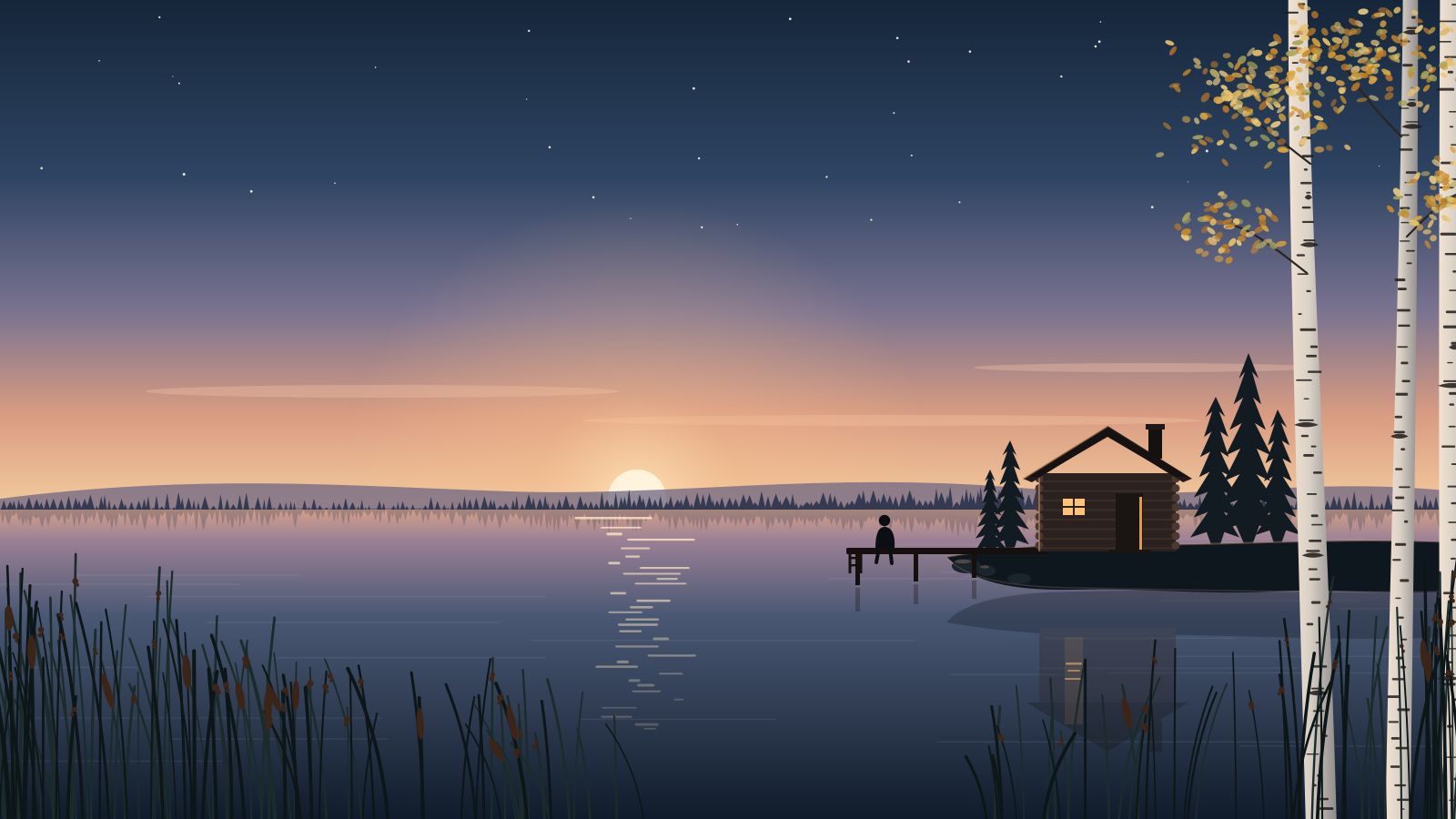
Public lakeside sauna · since 1952
A wood-fired public sauna on a quiet shore, twenty minutes from the city. Come for one round, or stay until the stars come out.
Two wood-fired rooms: the big one for company, the small smoke sauna for quiet. Throw water on the stones and let the löyly roll over you.
Walk the pier and slip in. In winter we keep an ice hole open, so the swim is short, bright and unforgettable.
Wrap up on the terrace with tea or lingonberry juice and watch the light go. When you're ready, back to the heat.
No booking needed for public sessions. Mixed sauna every day; women only on Tuesdays 16–20. Swimwear optional in the smoke sauna.
Rantatie 4, by the old boat harbour.
Bus 23 to Kaislaranta, then five minutes along the shore.
Open daily 7–22 · Kitchen until 21
How it works
Kaisla's website is plain HTML. Stand Chat is added with the snippet Stand generates for the site. Nothing else on the page knows about Stand.
<script defer src="https://cdn.stand.chat/widget/stand.js" data-stand-id="YOUR-SITE-ID"></script>Put it in the <head> of every page, usually through your site template or your website builder's custom code setting. defer keeps it out of the way while the page loads. Use the snippet from Sites in Stand: data-stand-id is your site's public ID, not a secret.
stand.js asks Stand whether anyone can answer on this page: a person on your team who is marked available, or an AI Stand-in.data-stand-id="demo", Stand Chat's shared demo site, so the chat works on any domain, including localhost. Its demo Stand-in explains Stand Chat and won't answer for Kaisla. With your own Site ID, your own Stand-ins answer, trained on your website. The status pill in the top bar shows what Stand sees.Changes apply on the next page load. The snippet never changes.
StandChat.openChat(greeting). Your own site needs just the one line.npx degit standchat/examples/one-line-install my-site